Setting up an audio interface for the first time often produces confusion that has little to do with the hardware itself. Many audio interface mistakes come from assumptions carried over from consumer sound cards or outdated forum advice, not from anything inherent in the equipment itself. Focusrite gear in particular attracts a number of myths, some around drivers, some around preamp behaviour, and some around how inputs and outputs actually get used. Clearing up these audio interface mistakes early makes the difference between frustration and a smooth recording setup.
Thinking All Focusrite Audio Interfaces Require Complex Setup
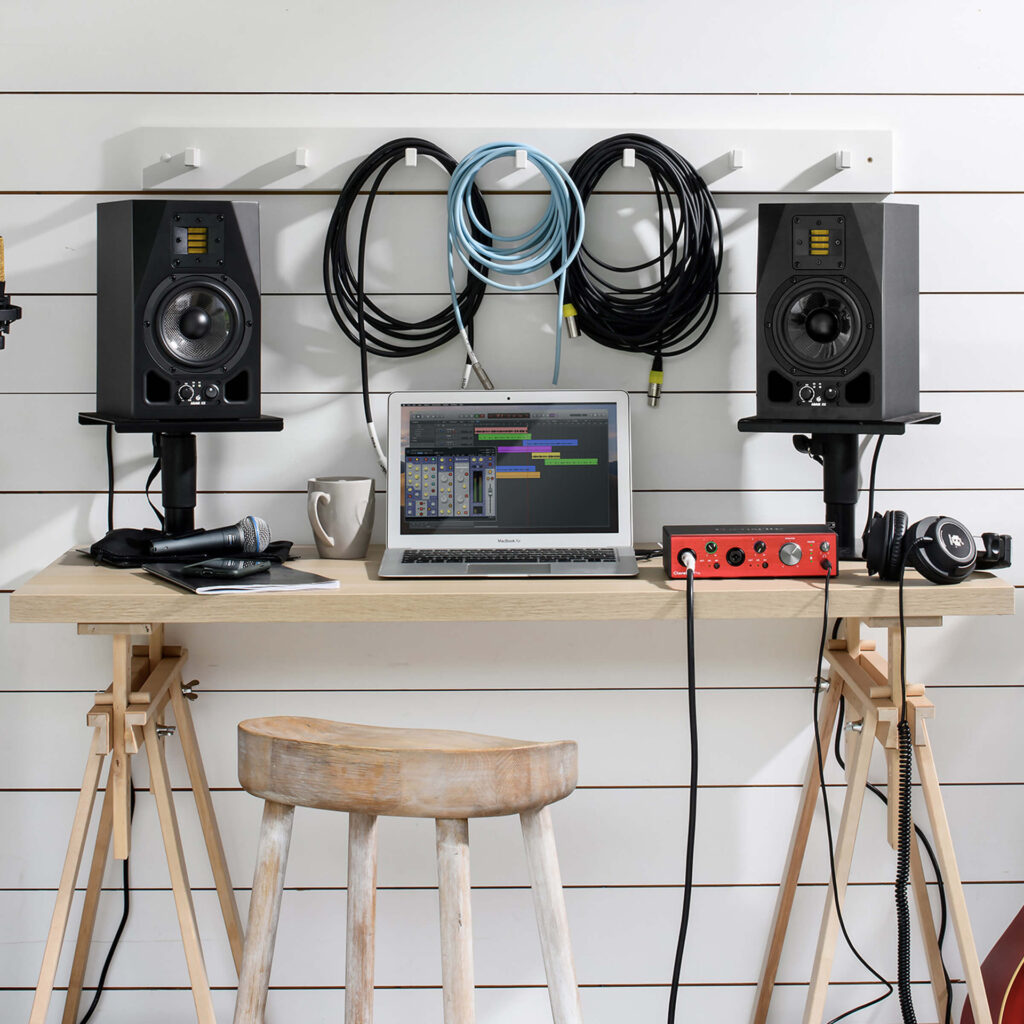
A common assumption is that any audio interface demands a lengthy technical process before it produces usable sound. In practice, the Scarlett range was built around straightforward installation, with software guiding the connection and configuration steps. A podcaster recording a first episode can plug in a Scarlett Solo, install the bundled software, and start capturing audio within minutes rather than spending an afternoon troubleshooting.
This misconception often stems from older recording setups where routing and driver conflicts were genuinely common. Modern interfaces, including the Scarlett Solo and Scarlett 2i2, are built with a narrower, more predictable set of connections. That simplicity does not mean the equipment lacks capability, it just means the setup friction has largely been engineered out of Focusrite‘s current product line.
The Scarlett Series: Misconceptions About Input and Output Counts
Another frequent misunderstanding involves what the numbers in a product name actually mean. The Scarlett Solo and Scarlett 2i2 are both described as 2-in, 2-out interfaces, suited to a songwriter or an artist recording a small number of sources at once. The Scarlett 4i4 expands that to 4-in, 4-out, while the Scarlett 16i16 moves into 16-in, 16-out territory aimed at an artist or producer working with more simultaneous channels.
At the larger end, the Scarlett 18i20 is an 18-in, 20-out USB audio interface, and the Scarlett 18i16 sits at 18-in, 16-out, both aimed at more complex engineering work. A home studio owner tracking a full band, for instance, needs to check how many of those inputs are actual microphone preamps rather than digital returns. Users sometimes assume a higher input count automatically means more microphone preamps, but that is not always the case, since some of those channels are digital or line-level rather than mic inputs. Reading the specific channel breakdown for each model avoids this kind of mismatch between expectation and actual routing capacity.
Misunderstanding Preamp Features in Clarett+ and ISA Ranges
Clarett+ is positioned as Focusrite‘s range of premium-quality USB audio interfaces for PC and Mac, built to deliver high headroom, low distortion, and ultra-low noise. A frequent misconception is that these qualities are only relevant to professional studios, when in fact they affect any recording where subtle detail matters, from a quiet vocal take to a close-mic’d acoustic guitar. The Clarett+ 2Pre, 4Pre, and 8Pre models each offer different input and output counts, so the right model depends on how many sources need to run at once rather than on which one sounds better overall.
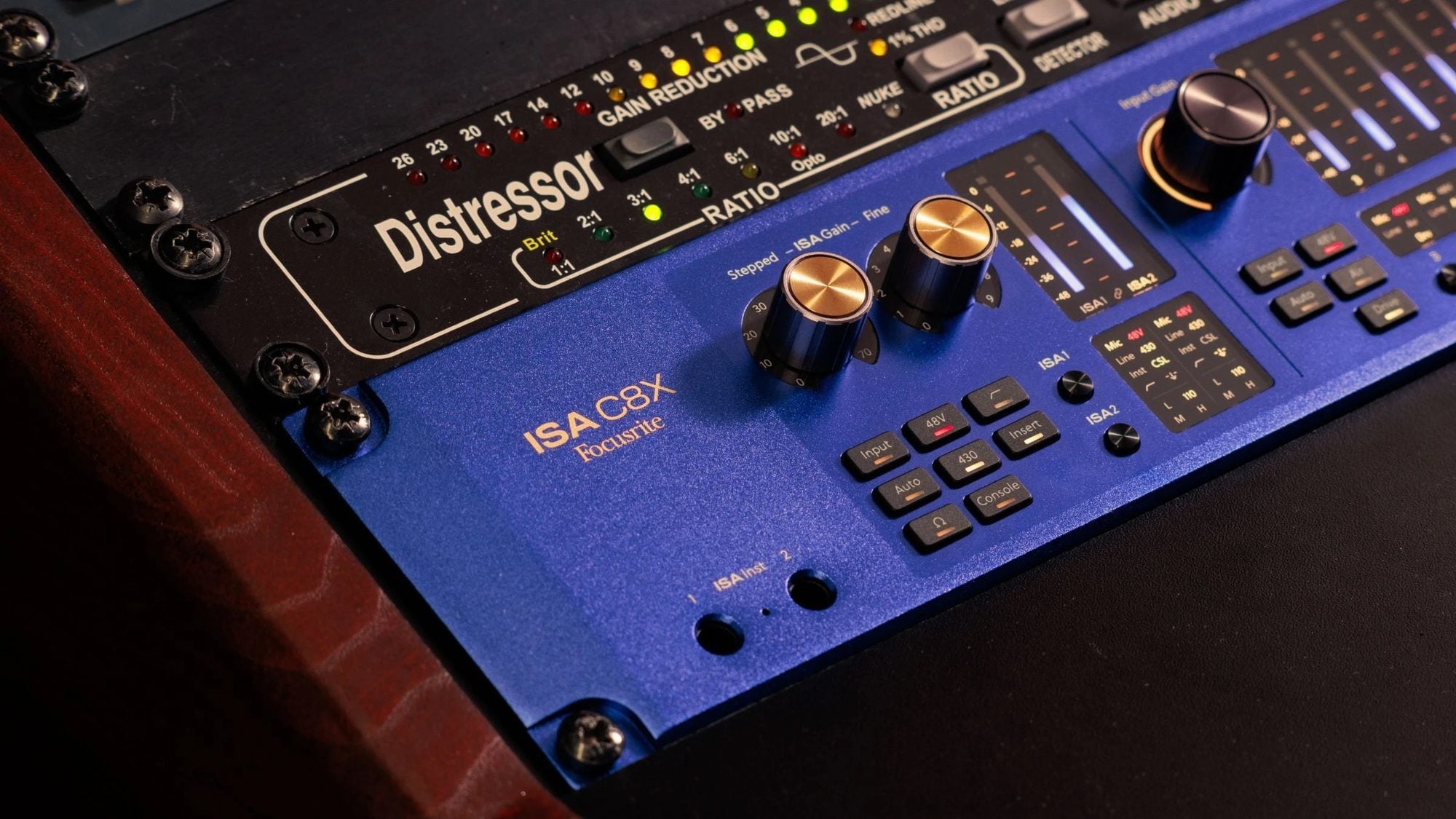
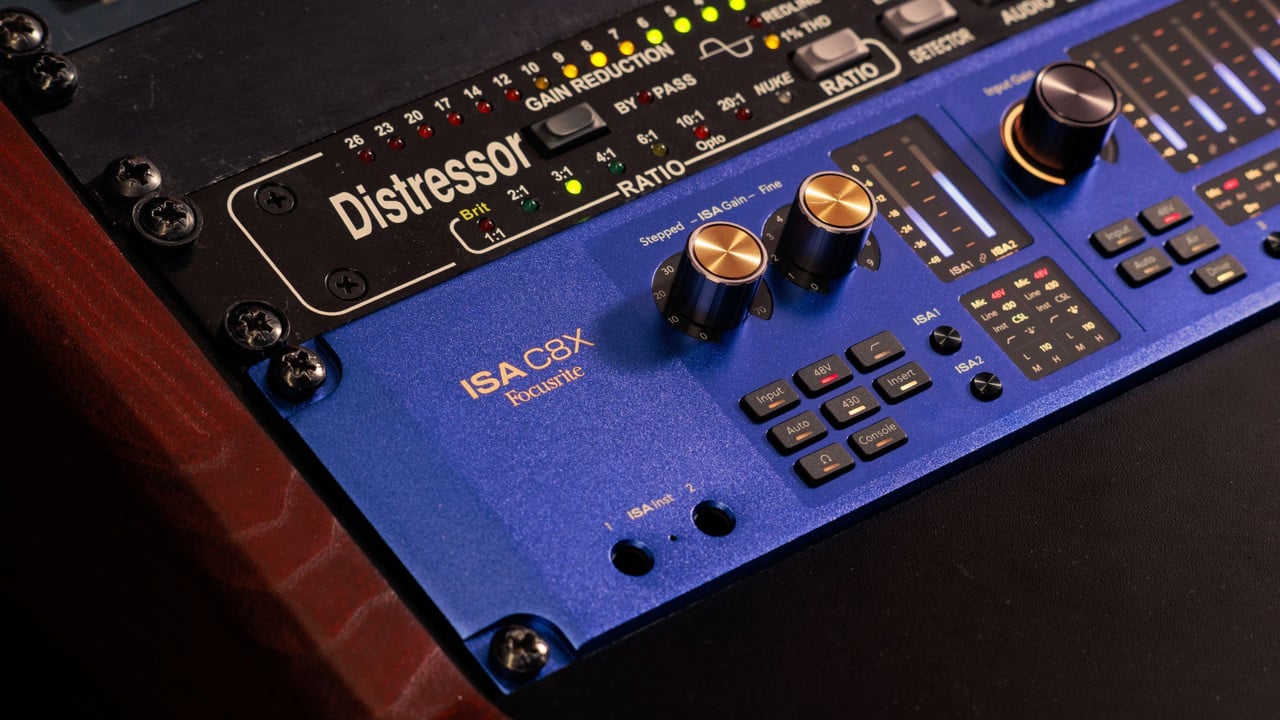
The ISA range follows a different logic built around the ISA C8X, which combines the ISA sound with remote control and comprehensive analogue and digital input and output, routing, and recallability. Someone assuming ISA gear is simply a Scarlett with extra knobs misses the point that these units are built around recallable preamp settings for larger, more complex sessions. That distinction matters for anyone comparing a compact desktop interface against a studio rack system.
Phantom Power, Gain Staging, and Other Preamp Mistakes
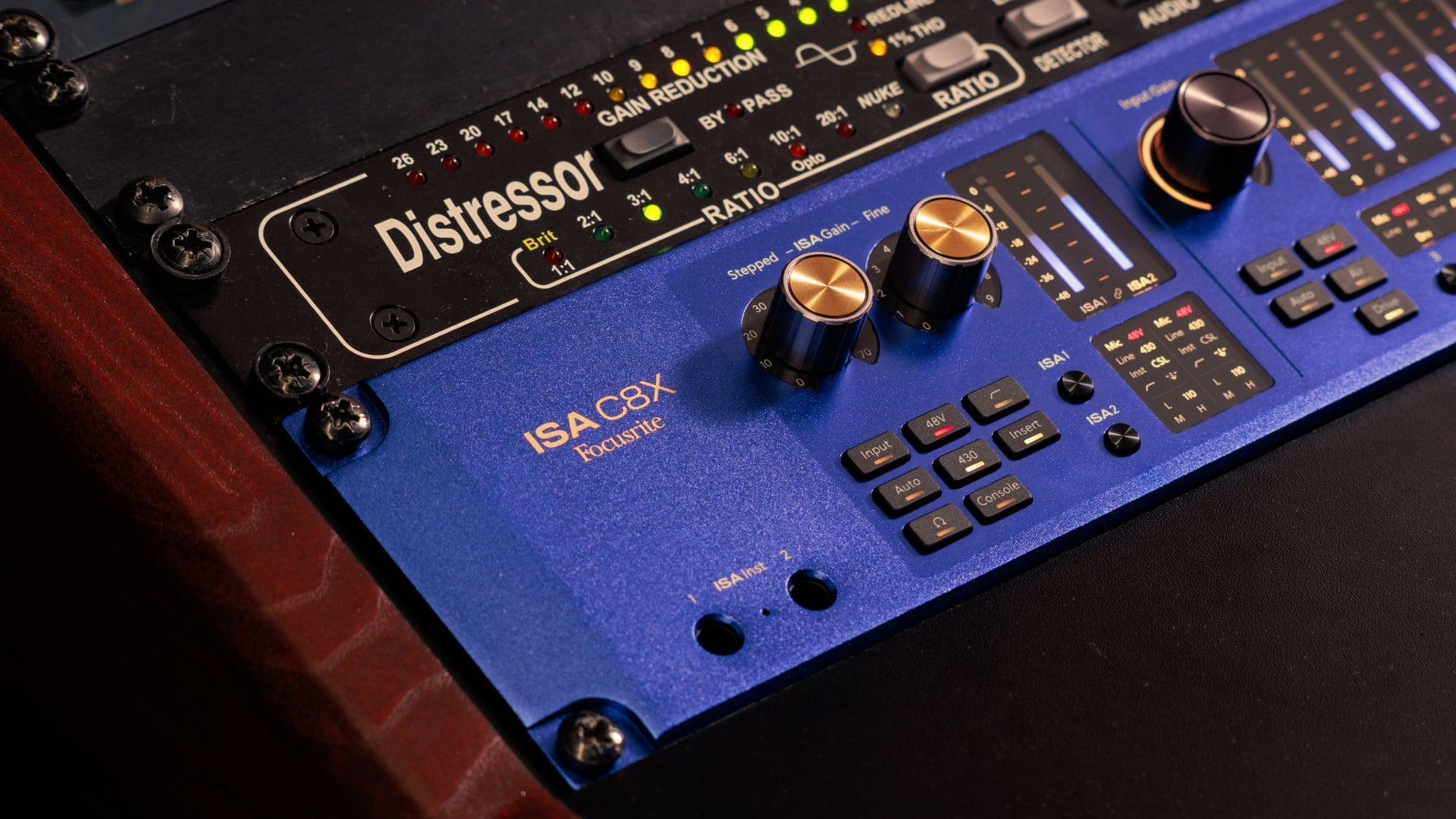
Gain staging is one of the most misunderstood parts of any recording chain, and it causes a disproportionate share of audio interface mistakes. Setting input gain too high clips the signal before it ever reaches software, while setting it too low buries a performance in noise that gets amplified later. Phantom power is another frequent trip point, since condenser microphones need it switched on while many dynamic microphones and ribbon microphones do not.
A singer recording at home might boost gain aggressively to compensate for a quiet voice, then wonder why the waveform looks distorted in playback. The fix usually involves backing off the gain and moving the microphone closer, rather than relying on digital correction after the fact. These are not flaws in the equipment, they are habits that develop before anyone has learned to read meters properly.
ADAT Connectivity Myths and Expansion Limitations
ADAT-enabled interfaces are built to expand the capabilities of an existing audio interface, digital console, or hard disc recorder that already has ADAT inputs. The Scarlett OctoPre, for example, is an eight-channel mic preamp with ADAT connectivity, letting an existing Focusrite setup add more microphone inputs without replacing the main interface. The Scarlett OctoPre Dynamic goes further, pairing that same channel count with analogue-to-digital and digital-to-analogue conversion plus analogue compression.
A frequent myth is that ADAT expansion adds unlimited channels regardless of the host interface’s own specification. In reality, the number of usable ADAT channels depends on the optical bandwidth and sample rate supported by the main unit. Treating ADAT as a simple plug-and-expand solution without checking that ceiling is one of the more avoidable audio interface mistakes a growing studio can make.
Focusrite Drivers and Compatibility Explained
Drivers and software integration generate their own share of confusion, often because people expect every interface to behave identically across operating systems. Focusrite Control 2 is the software built to manage interface settings, and pairing it with the correct driver avoids most early connectivity headaches. Compatibility with recording software such as Ableton Live, Pro Tools Intro+, or Cubase LE also depends on installing the current driver before opening a session, not after.
The list below covers the operational mistakes that show up most often when someone connects a new interface for the first time.
- Setting input gain far too high or too low before checking a meter, which clips a recording or buries it in noise.
- Ignoring direct monitoring and instead listening through a digital audio workstation, which introduces audible latency.
- Installing recording software before installing the interface driver, which can cause the software to miss the hardware entirely.
- Leaving phantom power switched off for a condenser microphone that requires it to function.
- Connecting an interface through a USB hub rather than directly to a computer, which can cause dropouts.
- Assuming every input on a larger interface is a microphone preamp rather than checking the actual channel layout.
None of these mistakes reflect poorly on the hardware itself, they are simply steps that get skipped under time pressure. Working through connections, drivers, and gain settings methodically resolves most of them before they interrupt a session.
Audio interface mistakes tend to repeat themselves because the underlying assumptions get passed from one setup to the next rather than questioned. Checking actual specifications, rather than relying on inherited habits, is usually the quicker route to a working session.